



Design Intelligence

AI workshops and resources

Use AI with control in architecture and interiors.

Get practical training and ready-to-use AI resources built for architects and interior designers. Turn vague prompts into clearer briefs, stronger visuals, and repeatable design workflows.

View workshops and resources
16+ years architectural practice
Workshops live implementation sessions
GPTs + Gems resources you can use now

The real problem

AI is useful. Random AI is expensive.

Architects and interior designers do not need more tool noise. You need systems that protect design intent, reduce rework, and help you get useful outputs faster.

Design Intelligence gives you structured prompts, visual direction logic, and practical training for the work you already do: briefs, concept options, mood boards, presentations, and client communication.

Visual proof

See what structured AI changes.

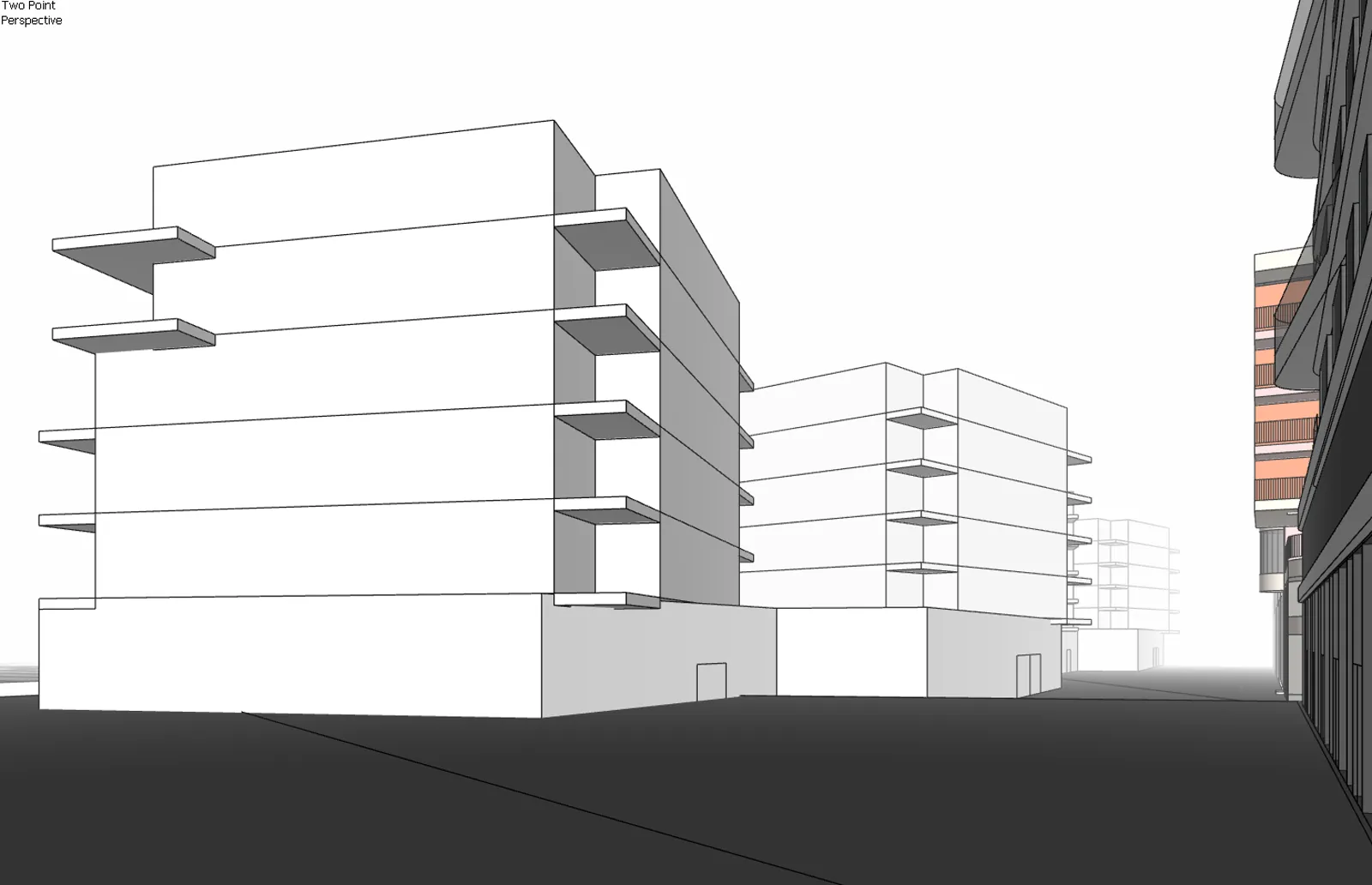
A small sample from the resource library. The point is not just better images. It is clearer direction, cleaner constraints, and outputs that stay closer to design intent.

Before: white architectural massing model
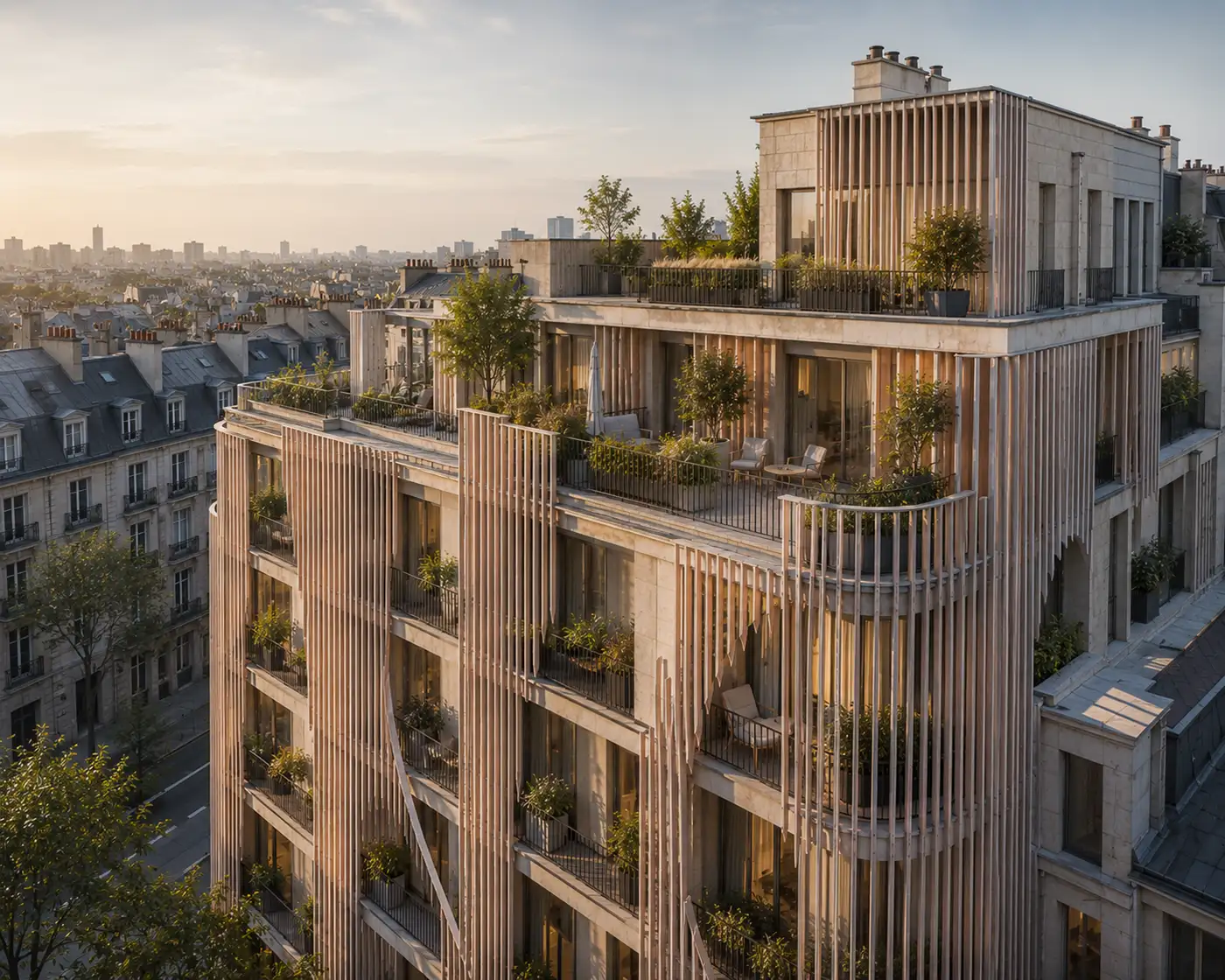
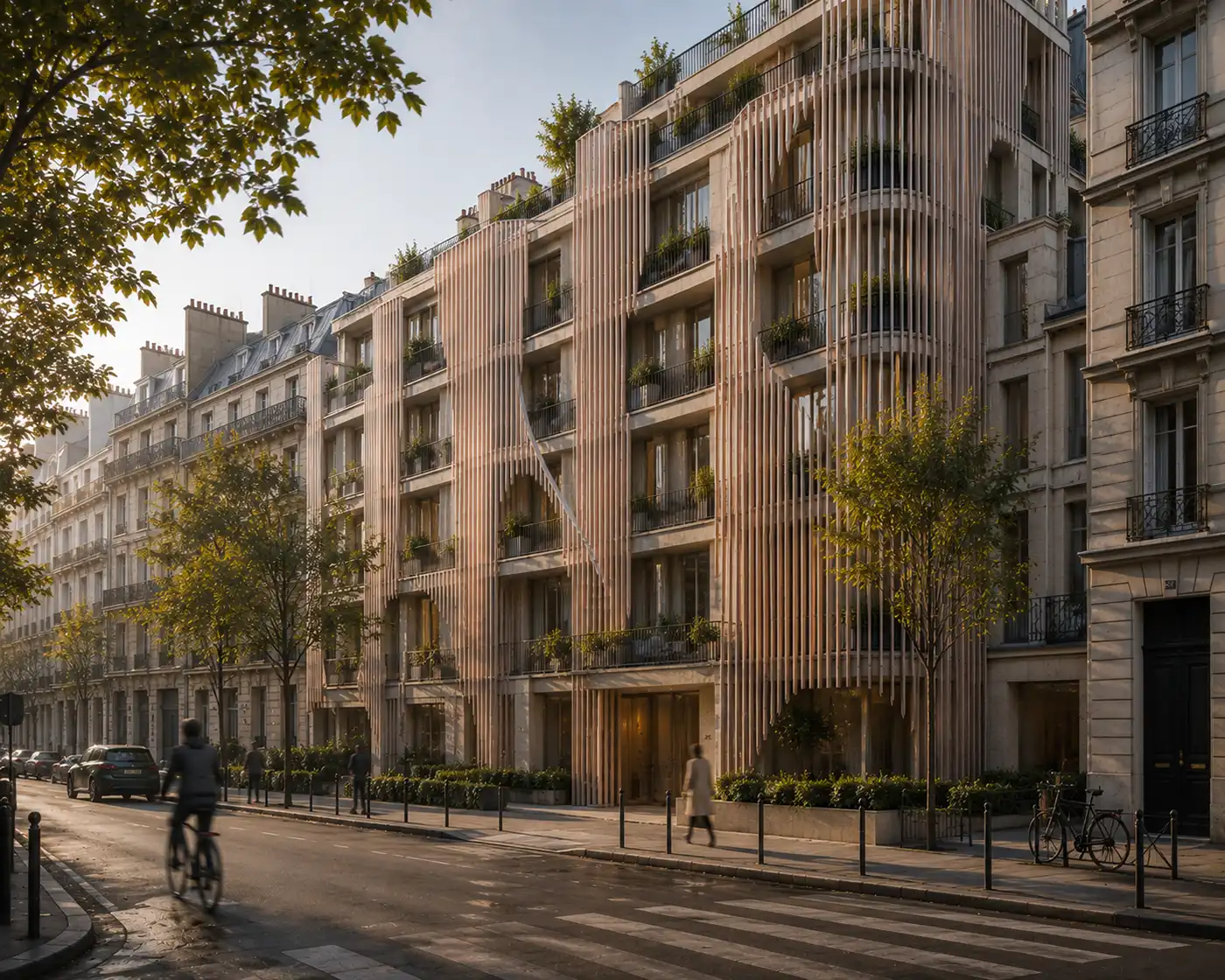
After: architectural facade direction generated from the massing model
Before After
Facade direction

Move from massing to design routes.

Give AI the right architectural frame and it can produce controlled facade directions instead of random visual guesses.

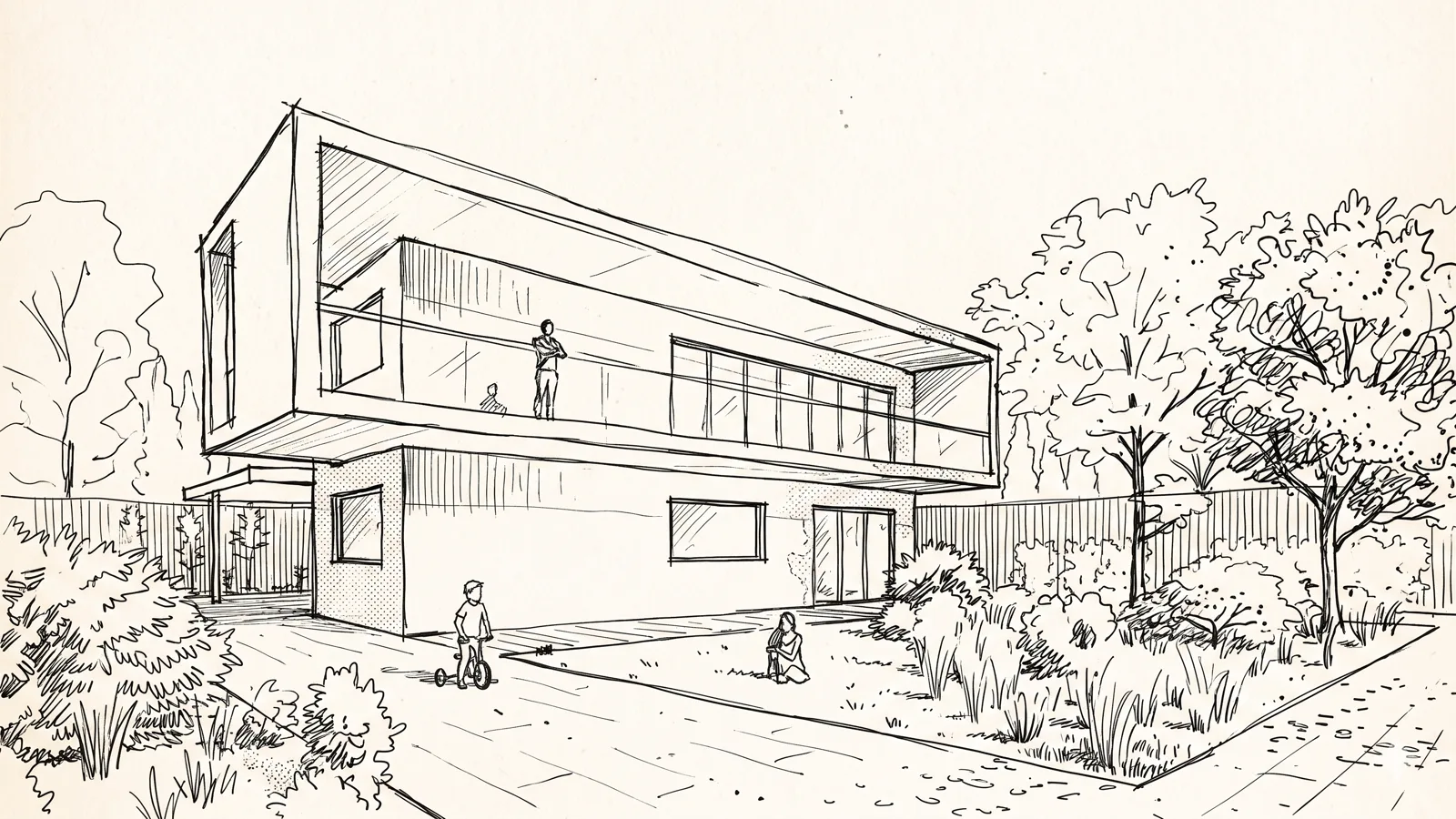
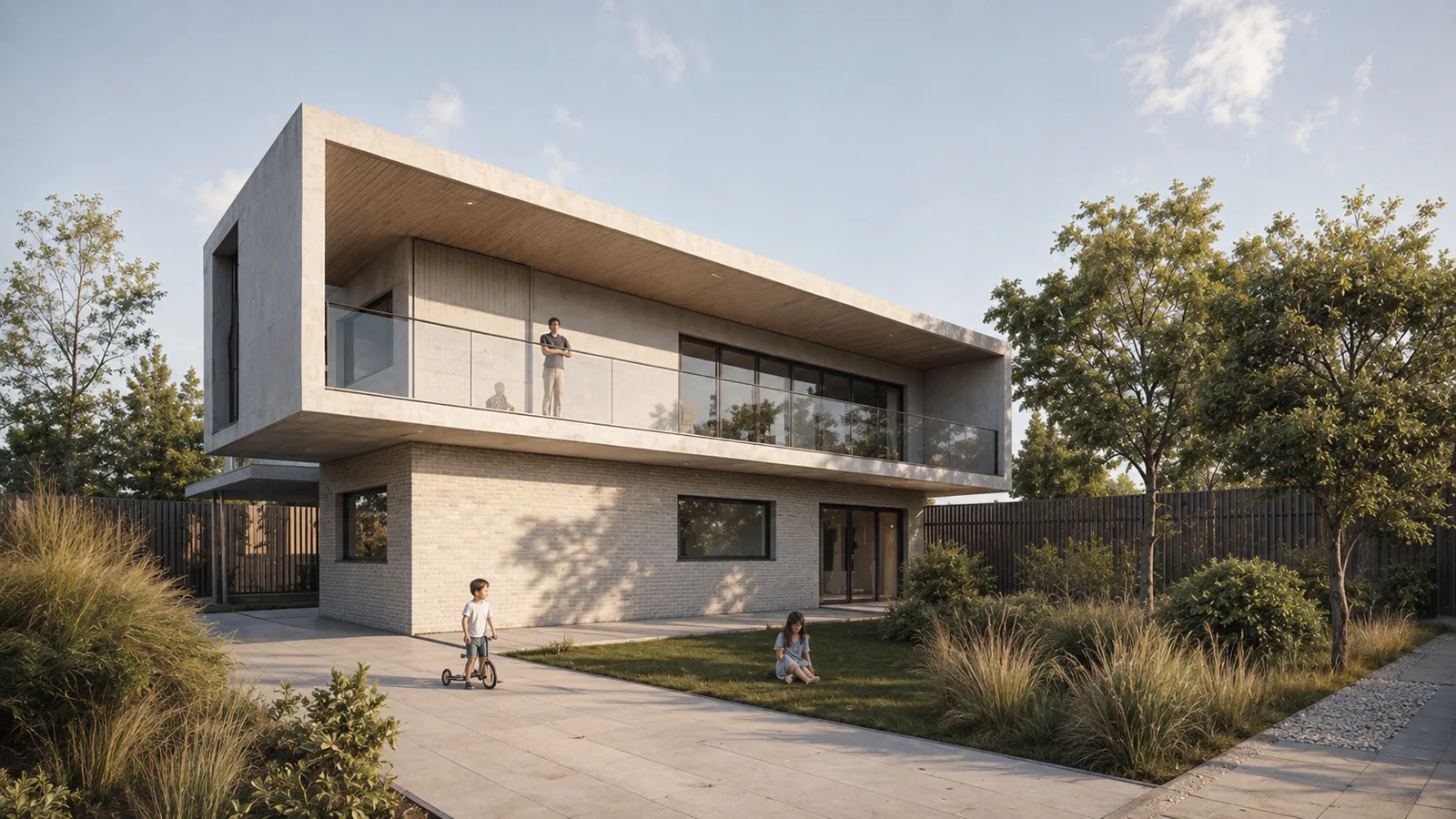
Before: architectural concept sketch
After: photorealistic architectural visualization generated from the sketch
Before After
Sketch to archviz

Turn an early sketch into a convincing visual.

Use a rough concept drawing as a starting point, then direct AI toward a clearer photorealistic architectural image.

Choose your entry point

Start with the support that fits your workflow.

01

Guided training

AI Workshops

Learn how to use AI inside real architectural and interior design workflows, with clear methods you can apply to projects immediately.

  • For solo practitioners, teams, and studios
  • 4h or 7h30 formats depending on the need
  • Built around prompts, visuals, briefs, and presentations

View workshop formats
02

Self-paced resources

Architectural GPTs and Gems

Use specialized assistants for prompt optimization, visual direction, style analysis, mood boards, facade routes, and presentation thinking.

  • Instant resource library for ChatGPT and Gemini
  • Designed for architecture and interior workflows
  • Useful when you need structure without booking a session
Explore the resources

Controlled iteration

Explore design options without losing the idea.

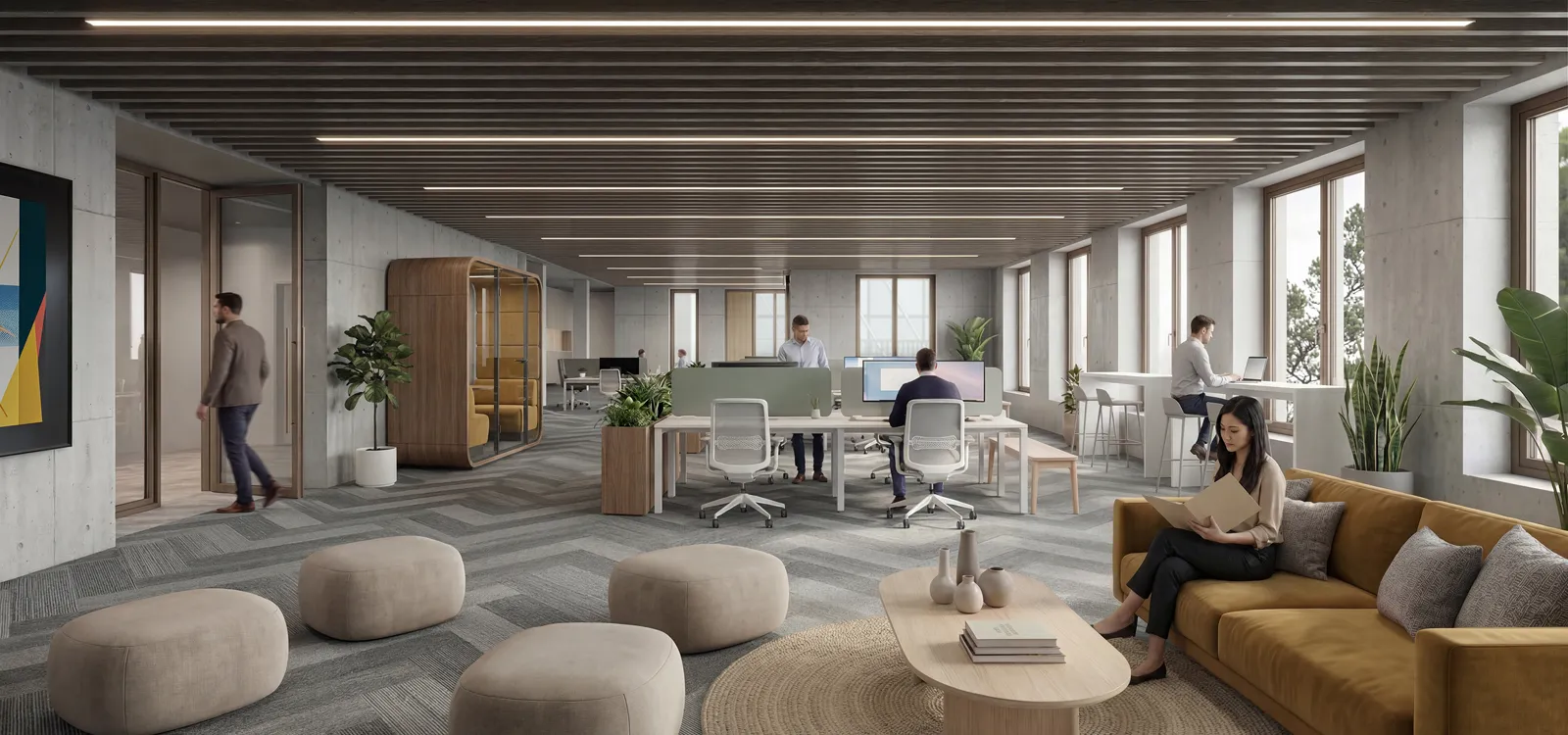
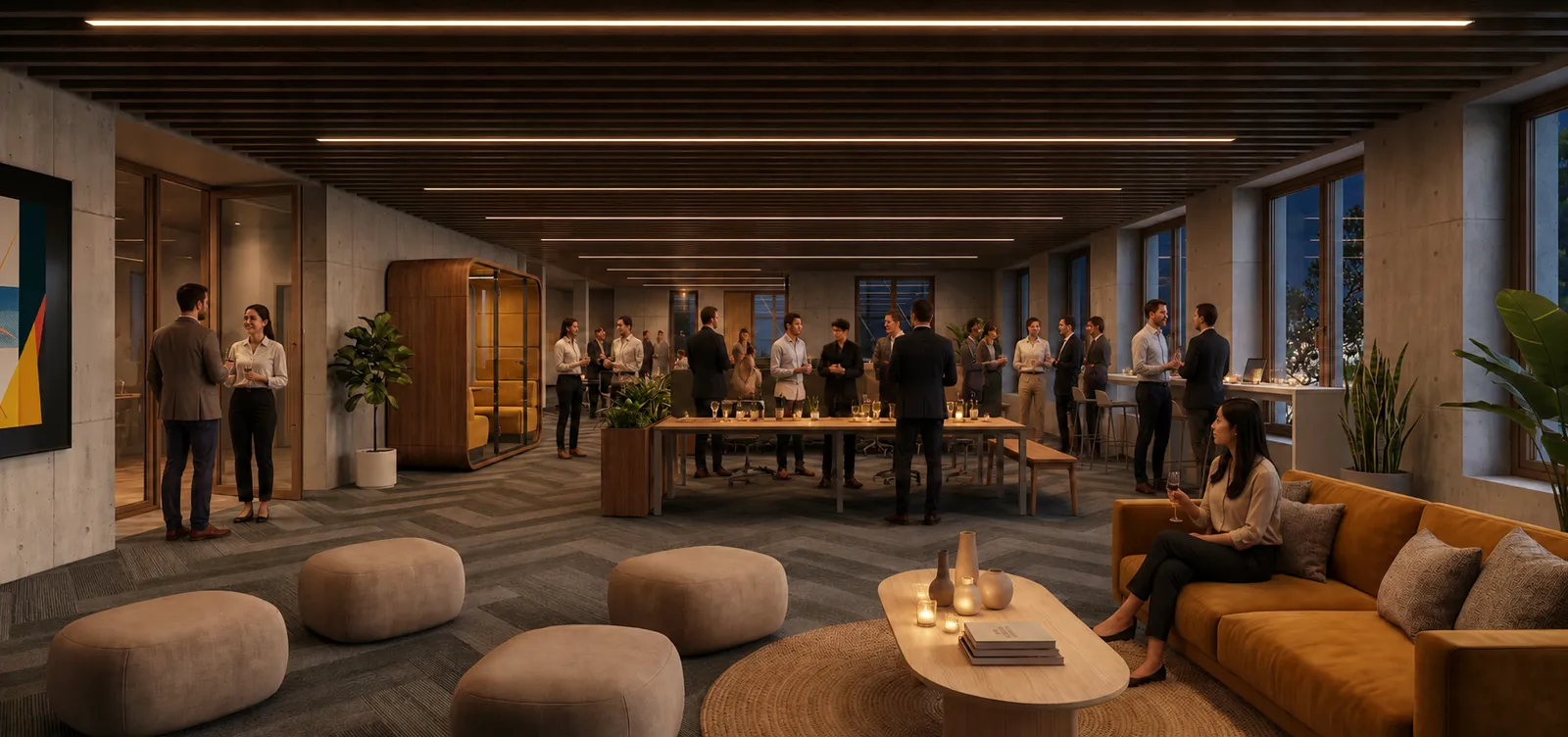
AI becomes powerful when you can hold the design intent steady and explore variations around it. These workflows help you test directions, atmospheres, materials, and composition routes for brainstorming.

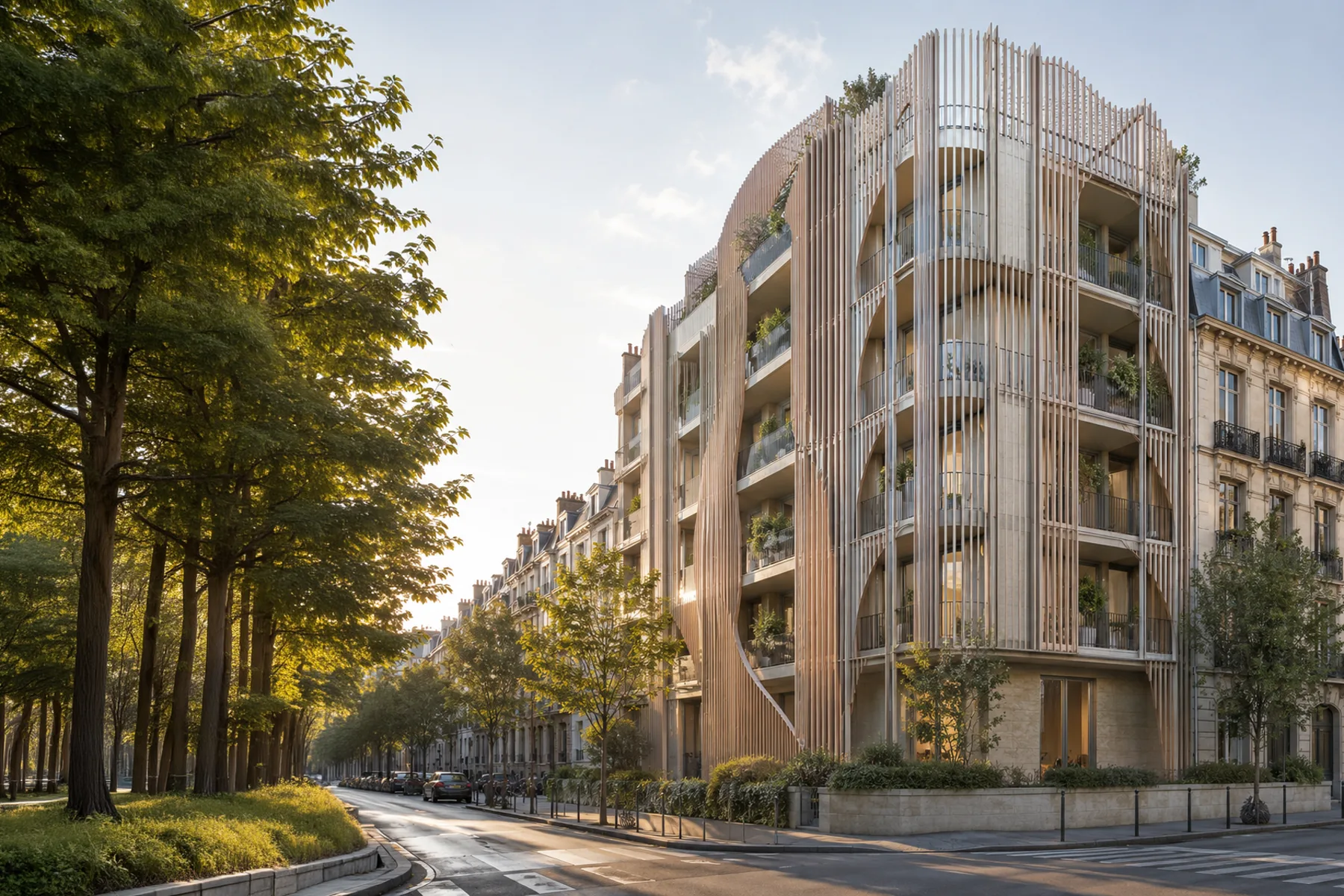
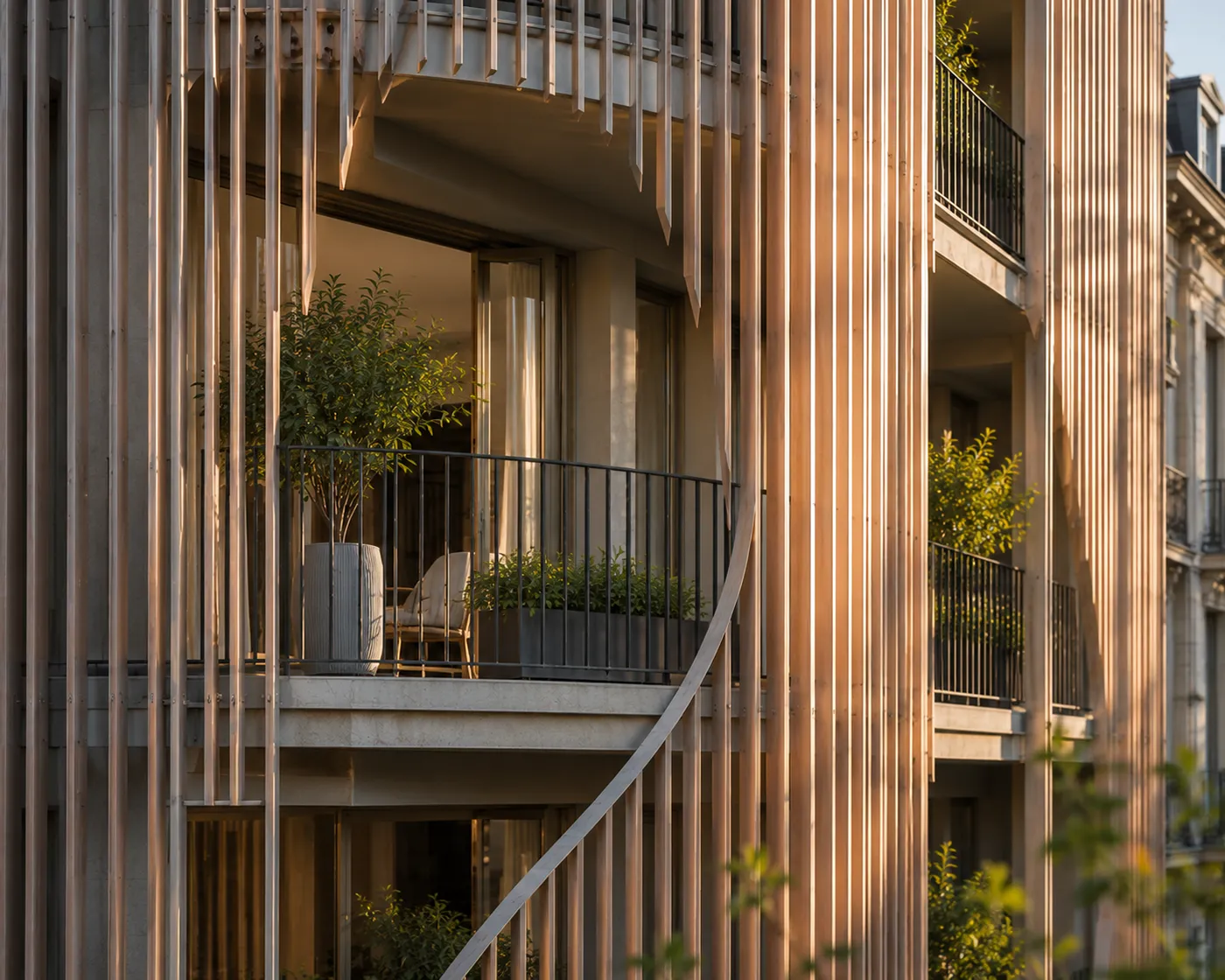
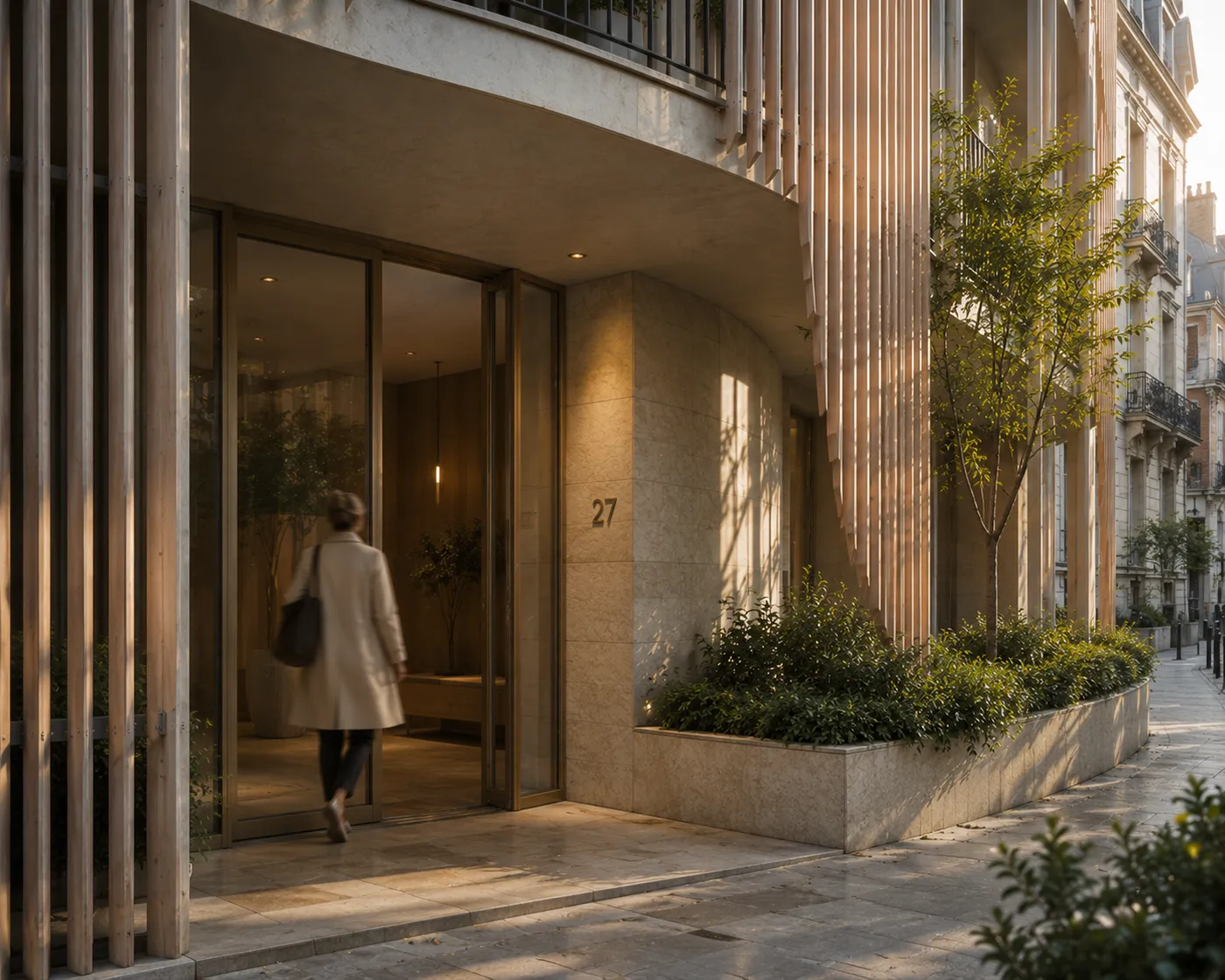
Animated exterior architecture iterations generated from a controlled design direction
Exterior study Multiple routes from one design intent.
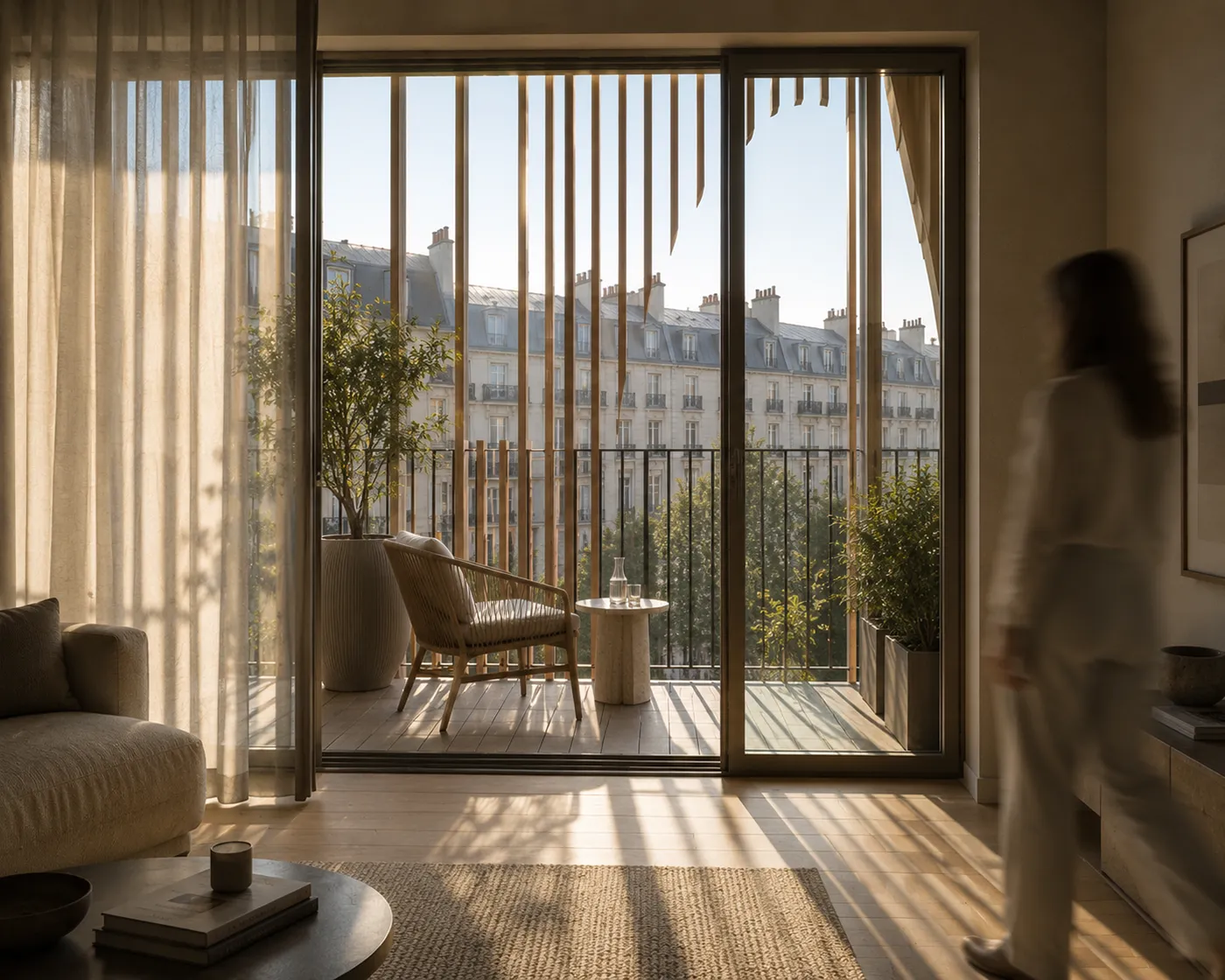
Animated interior design iterations generated for visual brainstorming
Interior study Fast inspiration without starting from zero.

The method

A clearer way to bring AI into design work.

01

Frame the input

Define the context, constraints, references, audience, and output format before asking AI to help.

02

Direct the output

Use tested prompt structures and visual logic to control tone, image direction, and quality criteria.

03

Apply with judgment

Keep creative control while using AI to move faster through options, drafts, and presentation routes.

Authority through practice

Built by an architect who understands the work.

Design Intelligence is led by Nizar Bredan and shaped by more than 16 years of architectural practice. The focus is not AI novelty. The focus is useful systems for real design pressure.

Portrait of Nizar Bredan
Nizar Bredan Architectural practice, AI training, and workflow systems.
Training

Clear sessions for people who want direct implementation, not abstract theory.

Resources

Prompt systems and assistants created for architecture, interiors, and visual communication.

Practice fit

Built for concept design, client communication, style direction, and project workflows.

Common questions

Simple answers before you choose.

Is this for beginners?

Yes. The resources and workshops are structured to make AI practical without requiring technical setup.

Is this only for visualization?

No. Visual work matters, but the system also supports prompts, briefs, mood boards, style language, and presentation thinking.

Should you choose a workshop or resources?

Choose the resources if you want immediate tools. Choose a workshop if you want guided implementation for your workflow or team.

Start with structure

Make AI useful inside your design process.